A free app for Android, by Titanium Track.

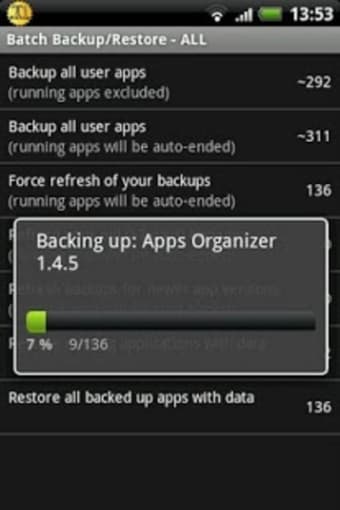
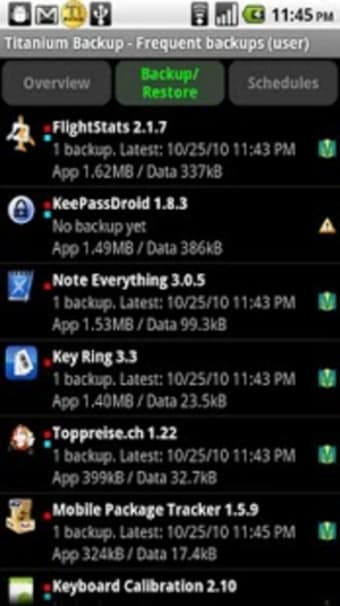
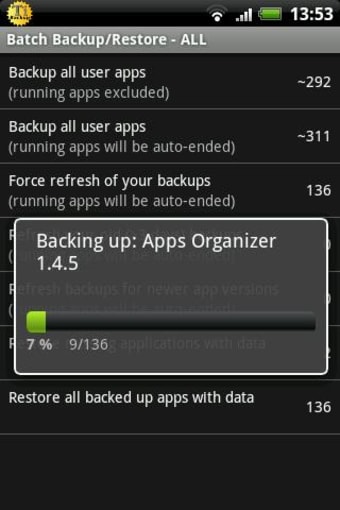
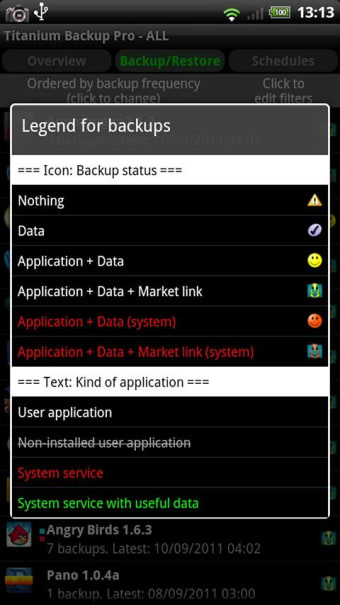
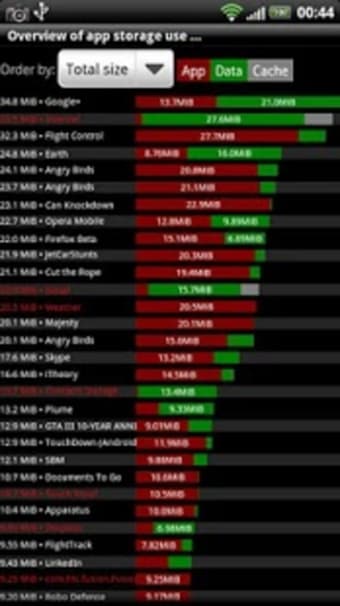
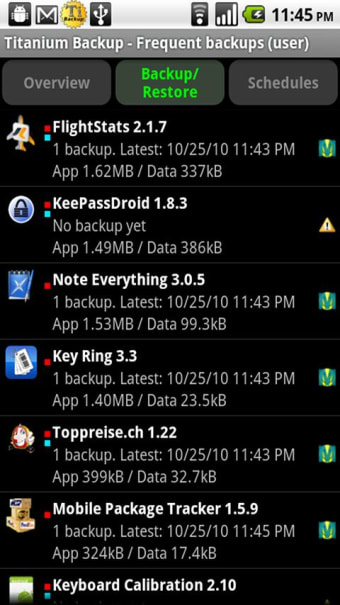
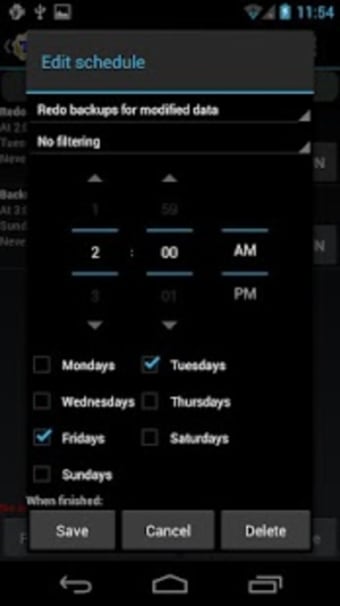
Titanium Backup is a free and powerful backup tool for Android devices that lets you back up your apps, data, and other files so you can restore them if you ever lose them. It is designed to work with Android devices.

The tool is capable of backing up all of your apps. It also supports data recovery and can restore apps that were deleted. If you want to restore an app, you just need to select it from the list and choose the desired platform.
 0/10

App specs

  • License

    Free

  • Version

    8.4.0.2

  • Latest update

  • Platform

    Android

  • OS

    Android 13.0

  • Downloads

    12.3K

    Last month's downloads

    • 117
  • Size

    8.15 MB

  • Developer

  • Download Options

    APK, Google Play

  • Filename

    com-keramidas-titaniumbackup-417-49084995-ac89af74cf5178d5eaed927af076dfb0.apk

Program available in other languages


User reviews about Titanium Backup

Have you tried Titanium Backup? Be the first to leave your opinion!

Add review

You may also like

Explore Apps

Latest articles

Laws concerning the use of this software vary from country to country. We do not encourage or condone the use of this program if it is in violation of these laws.

Softonic

Is Titanium Backup safe?

99/100

Score result: Clean

This file passed a comprehensive security scan using VirusTotal technology. It is safe to download.

  • Virus free
  • Spyware free
  • Malware free
  • Verified by Security Partners

    VirusTotal logo

Scan Info

Last scan
Tuesday, March 8, 2022
Scan provider
VirusTotal · Full report

File Integrity

File
com-keramidas-titaniumbackup-417-49084995-ac89af74cf5178d5eaed927af076dfb0.apk
SHA256
e2cb198893dd9b3f62699f1e706a1f22e919a16a04c026d6cb7679217f18a5f0
SHA1
ab953fb96bc263644a72e408249fbcc2254445b4

Softonic security commitment

Titanium Backup has been thoroughly scanned by our advanced security systems and verified by industry-leading partners. This file comes from the official developer and has passed all our security checks, showing no signs of viruses, malware, or spyware. For more information, visit our Security and Trust Center